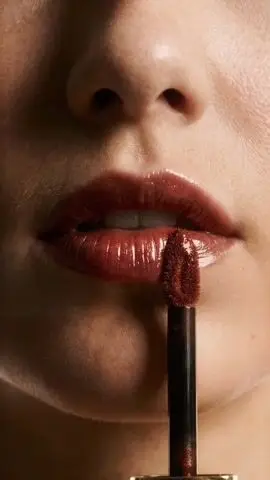
Made with the Blueprint
AI-Creator Blueprint · V3 · Nov 2026
AI videos that don’t look fake.
The ultimate workflow for creating AI characters and videos that make people question what’s real.
One-time payment · Updates included · 7-day money-back guarantee
SCENE 02 · Proof
AI videos that don’t look like AI.
F*ck AI Slop.
I made every single one with this exact workflow.
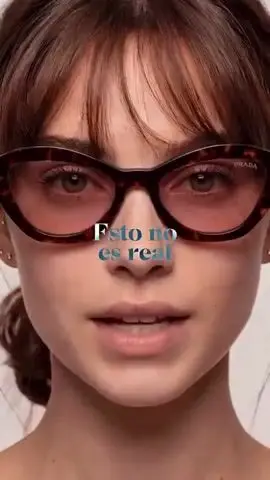
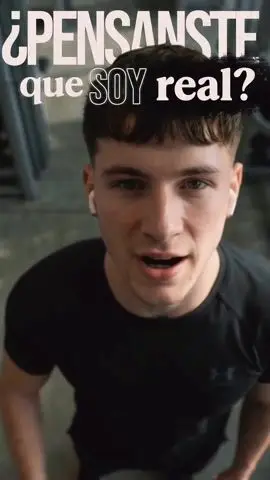
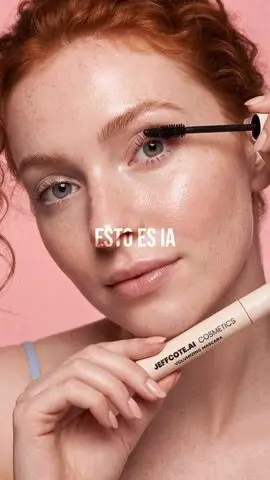
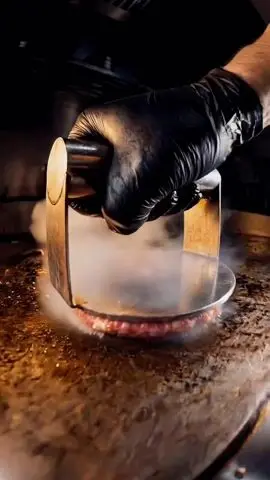
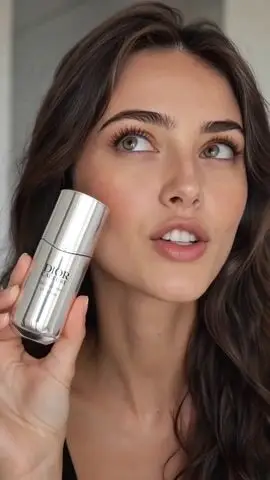
SCENE 03 · Real talk
Anyone can make AI videos.
Making them look real? Almost no one.
I’ll show you how to make AI that doesn’t look fake.
- Ten images, ten different faces.
- Plastic skin. You can spot it from a scroll away.
- You put your product in their hand and the AI makes up a different logo.
- You type “cinematic” and the camera does whatever it wants.
- And just when you finally get the hang of a model, a better one comes out.
Stop chasing the perfect prompt. Get a proven, repeatable system.
SCENE 04 · Plot twist
My favorite AI model is the one that works best today.
A new model comes out, I test it, experiment with it and add it to the Blueprint so you always have the best one.
You pay once. The new stuff keeps coming.
- V1May 2026Where it all started.
- V2Aug 2026Added Nano Banana Pro, Kling 3.0 and Seedance 2.0.
- V3Nov 2026Updated for Seedream 5.5, Seedance 2.5 and Kling 4.0.
- NextWhen it dropsThe next model worth teaching you. And you don’t pay a cent more.
One-time payment. No monthly fee.
Inside the Blueprint today: Seedream 5.5, Nano Banana 2.1, GPT Image 2.6, Seedance 2.5, Kling 4.0, Higgsfield Soul, ElevenLabs, MiniMax Speech 2.8 and CapCut.
SCENE 05 · Inside the Blueprint
What’s inside.
- Step by step
- The workflow I actually use
- Practice with free apps
-
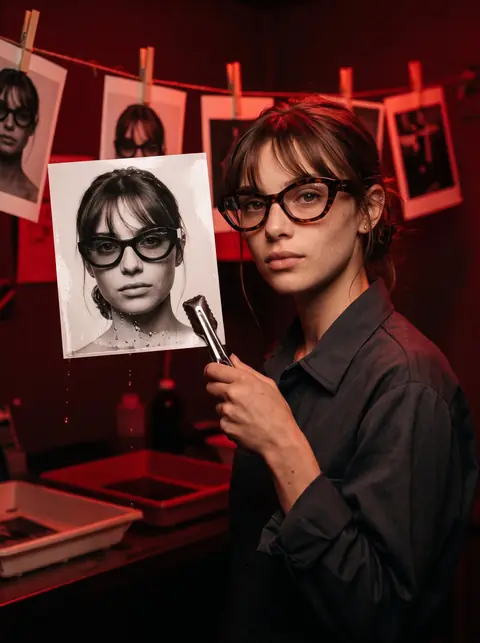
01 / 06
Image
LabMy 5-part formula, 9 film looks and “the realism touch.” Plus how to pick angles like a real DP.
Seedream 5.5 · Nano Banana 2.1 · GPT Image 2.6
-
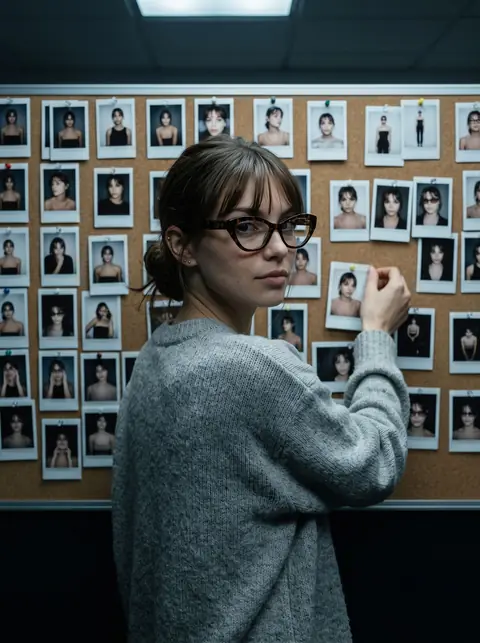
02 / 06
Character
FactoryYour character’s “DNA” and their 3-panel character sheet. From there, the same face in every take.
Seedream 5.5 · Nano Banana 2.1 · Higgsfield Soul
-
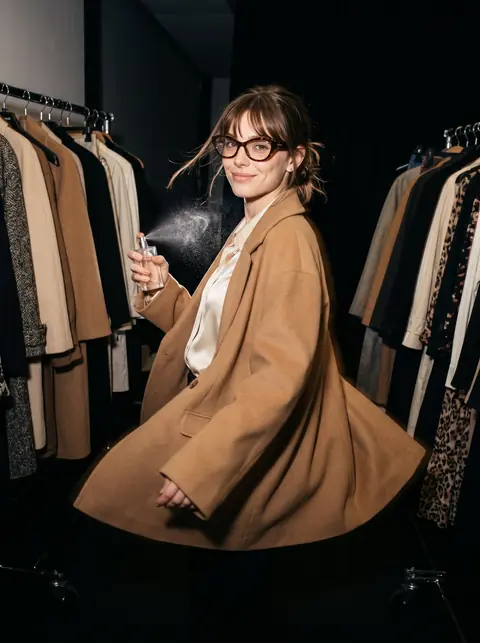
03 / 06
Image
EditingYour character in any photo, wearing real clothes, holding your product, plus 7 ways to show it off.
Character Swap · Virtual Try-On · Visual DNA
-
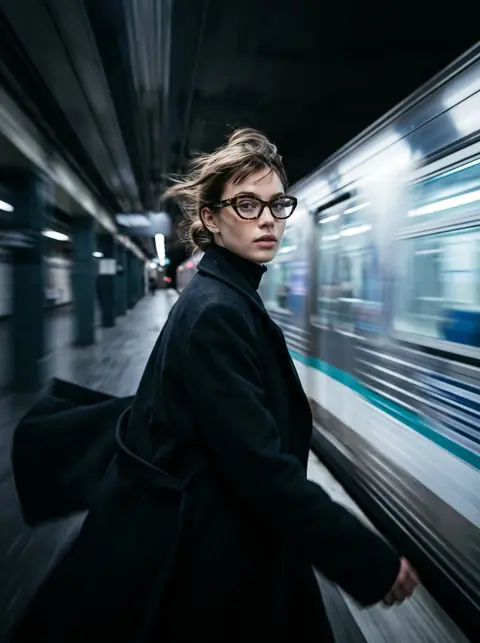
04 / 06
Motion
EngineThe timed script and one golden rule: one camera move per shot. Plus a commercial and a UGC ad, fully worked out.
Seedance 2.5 · Kling 4.0
-
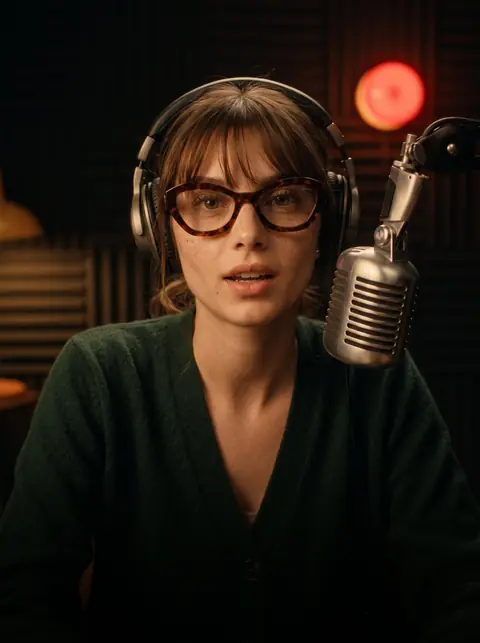
05 / 06
Voice &
LipsyncThe voice: cloned from 10 seconds of audio or designed from scratch. And the lipsync.
ElevenLabs · MiniMax Speech 2.8
-
06 / 06
Final
EditionThe final edit, how to access 10+ models with a single login, and how to post hassle-free on Instagram, TikTok and YouTube.
CapCut
-
Every module has a “Try it free” section
I tell you which free app to practice with, so you see it work before you pay for any tool.
Get the Blueprint · $15
SCENE 06 · Bonus
Who still writes prompts in 2026? Let Claude do it.
I built 6 custom skills so Claude writes the perfect prompt for you, every time.
-
01 You type
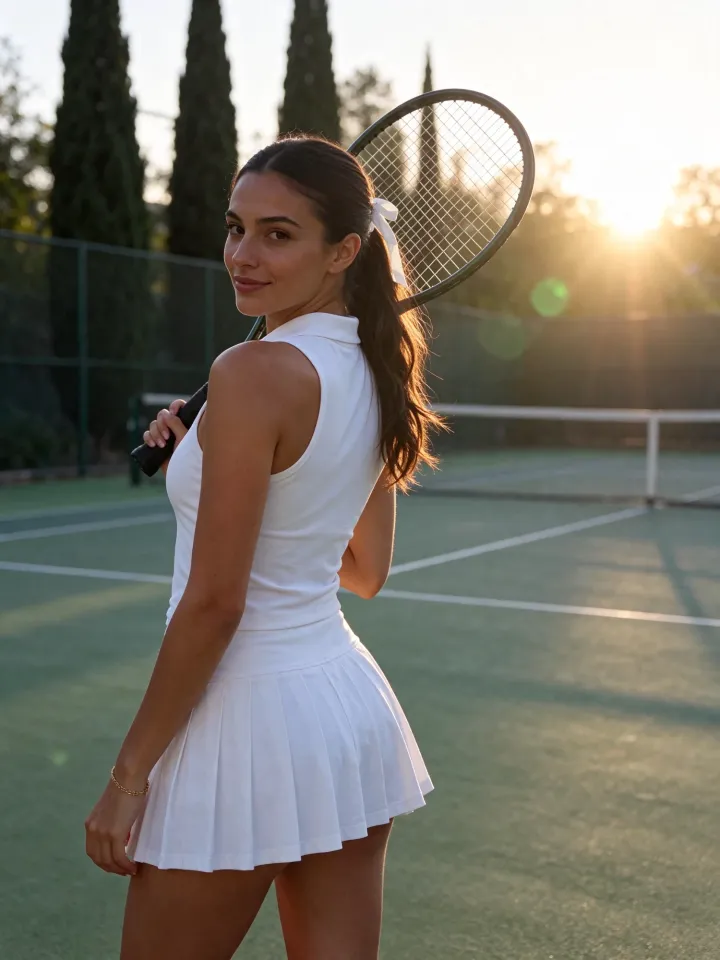
Woman with her back to the camera on a tennis court, looking into the lens, white skirt, racket on her shoulder.
-
02 Claude gives you this
Claude · JeffCote.Ai
A woman in her late twenties with sun-kissed olive skin and a long dark-brown ponytail tied with a white ribbon, wearing a short pleated white tennis skirt, a fitted white sleeveless polo top, and a thin gold chain bracelet on her left wrist. She stands with her back to the camera, weight on her right leg, a tennis racket resting on her right shoulder held loosely by the grip, and she turns her head over her left shoulder to look straight into the lens with a calm, confident half-smile. A green hard tennis court at sunset, the net and the far court in front of her, a dark-green chain-link fence and a row of tall cypress trees in the background. Shot by a friend on an iPhone 17 rear main camera at 2x (about 52mm equivalent) in Portrait mode, held vertically at waist height, straight-on from about 2 meters behind her; her face, shoulder, racket and skirt hem are sharp, while the net, fence and trees fall into the phone's smooth computational background blur. Vertical 4:5 frame cut just below the glutes at the very top of the thighs, so the bottom edge of the frame sits right under the skirt hem, with a little headroom above her ponytail; the woman placed on the left third with open air on the right where the sun glows; mid-ground of the woman, background of the net, fence and cypress trees. One source: the low setting sun in the background on the right side of the frame, about 10° above the horizon and facing the camera, a warm backlight and rim light that outlines her hair, shoulders, the skirt pleats and the racket's edge, with a soft bounce from the court filling her turned face so the shadows stay open; warm golden light around 3200K with a small soft catchlight in her eyes. Dominant colors: warm white on the outfit tinted by the sunset, sage green on the court surface, deep forest green on the fence and trees, honey gold in the sky and highlights, and soft peach on her skin; warm white balance, natural slightly muted saturation, medium contrast, shadows lifted by Smart HDR and bright highlights held back from clipping, with a clean, natural iPhone color rendering. Fine digital noise in the shadows, light computational sharpening and smartphone HDR, natural skin texture with visible pores, clear skirt pleats and racket strings, a small green lens ghost near the sun at the right edge, and slightly imperfect Portrait-mode edges around loose strands of hair. The short pleated white skirt sits naturally, and just below its hem only a very small, subtle sliver of the lower curve of the glutes shows, tasteful, never more. The racket rests on her shoulder, not in her hand at her side. Her body faces away from the camera while her head turns back over her shoulder to make direct eye contact with the lens. Quality: photorealism, high detail in the fabric, hair, and skin, natural smartphone perspective. Slight motion blur on individual strands of hair, while the face remains sharp. Muted colors, soft sharpness, noticeable fine grain, a spontaneous candid lifelike shot effect, natural untouched skin and an even, natural exposure.
Paste it as is into Seedream 5.5.
-
03 And you get this
Free · with your Blueprint
6 skills included free.
The resources I use in my own work. All six live in one connector: add it to Claude once and you get all six.
-
Bonus 01
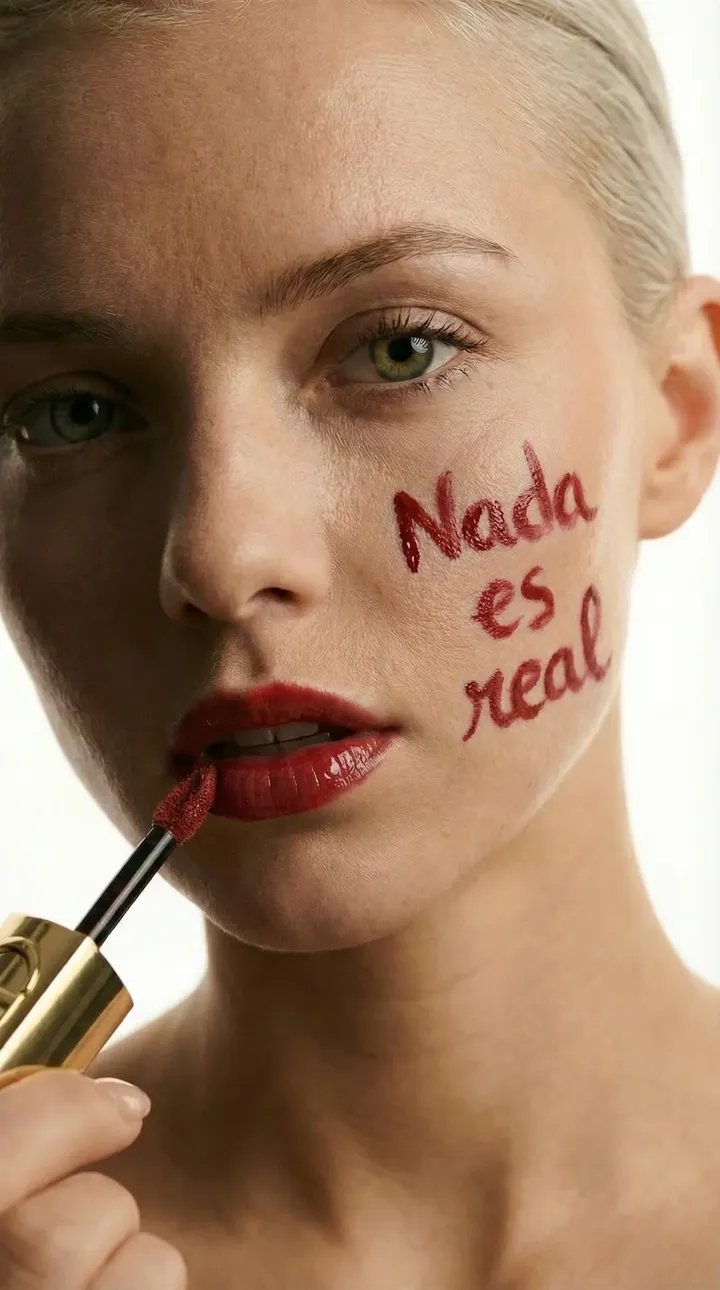
Crear foto
Create a photo. From a one-line idea, the full photography prompt: camera, lens and light.
-
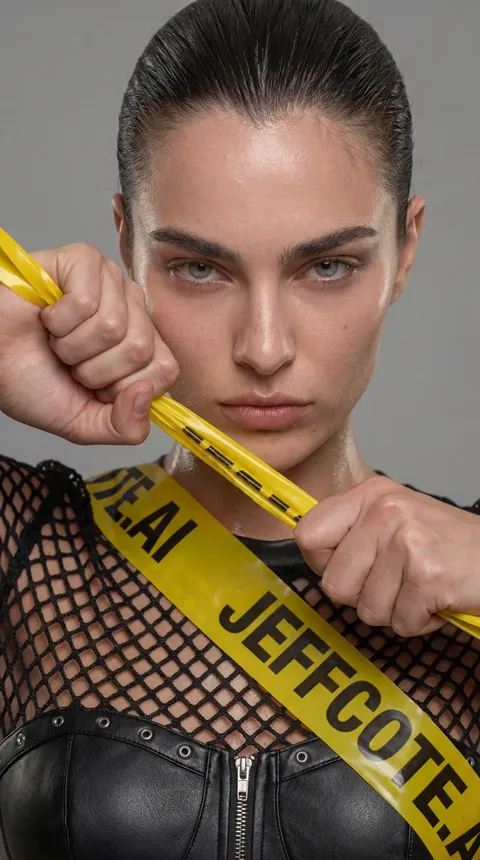
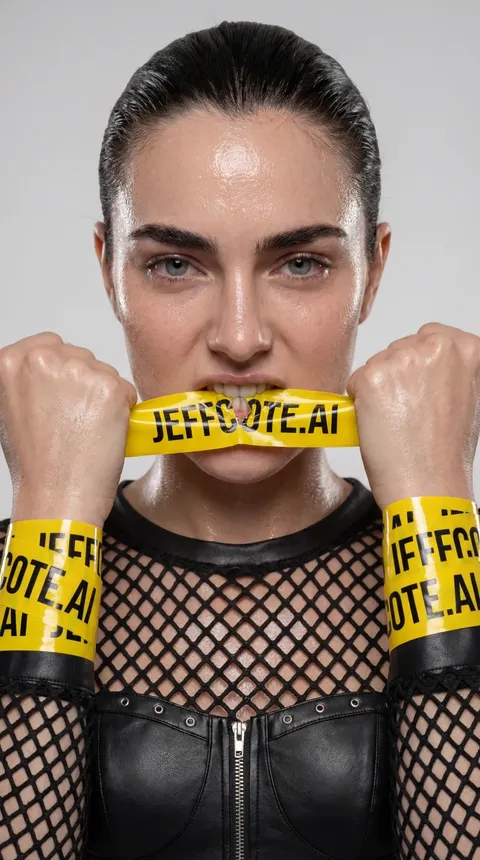
Bonus 02
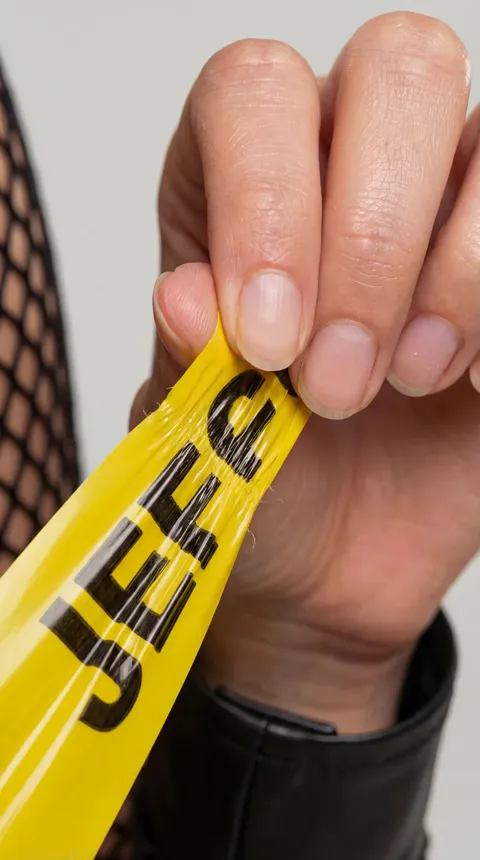
Variar planos
Vary the shots. From one base photo, the same scene from 6 different angles.
-
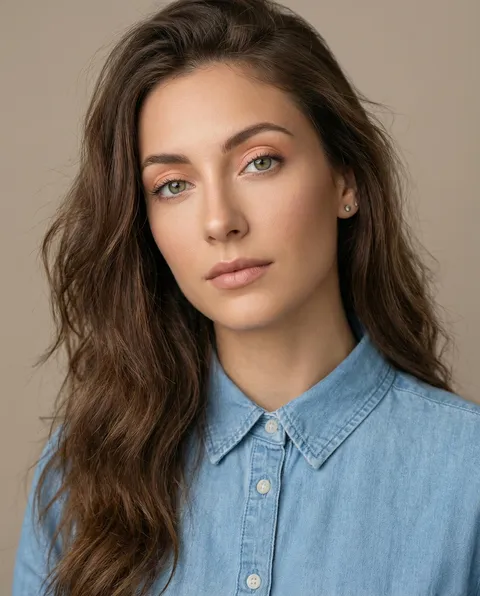
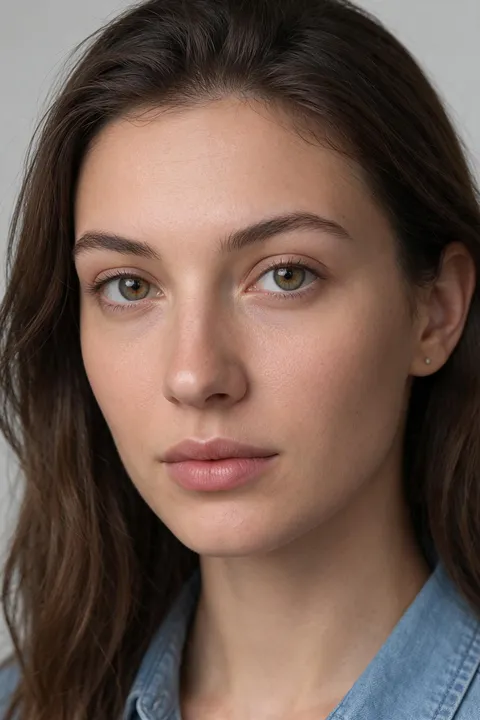
Bonus 03
Crear personaje
Create a character. From a photo of a face, the DNA of a new character and the prompt for their character sheet.
-
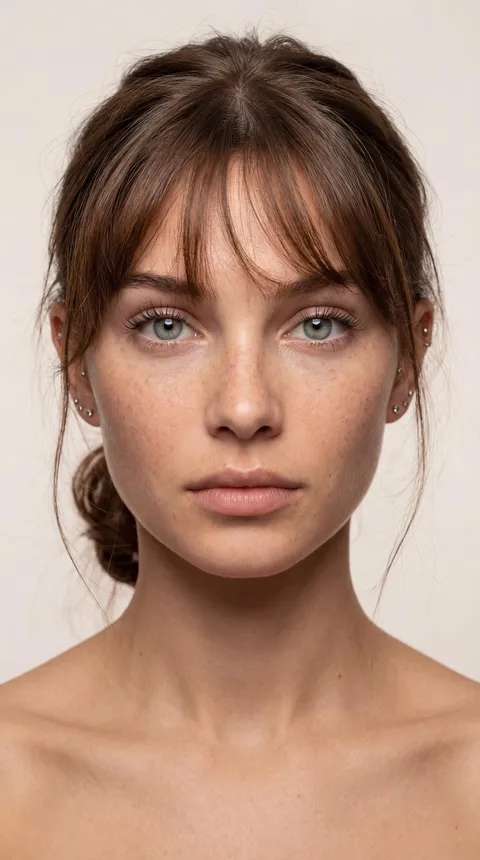
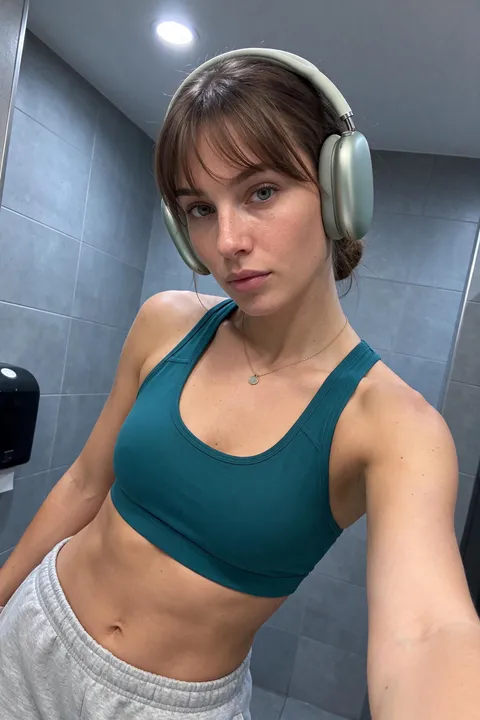
Bonus 04
Visual DNA
From a photo you like: pull its style, clone the scene or drop your character into it.
-
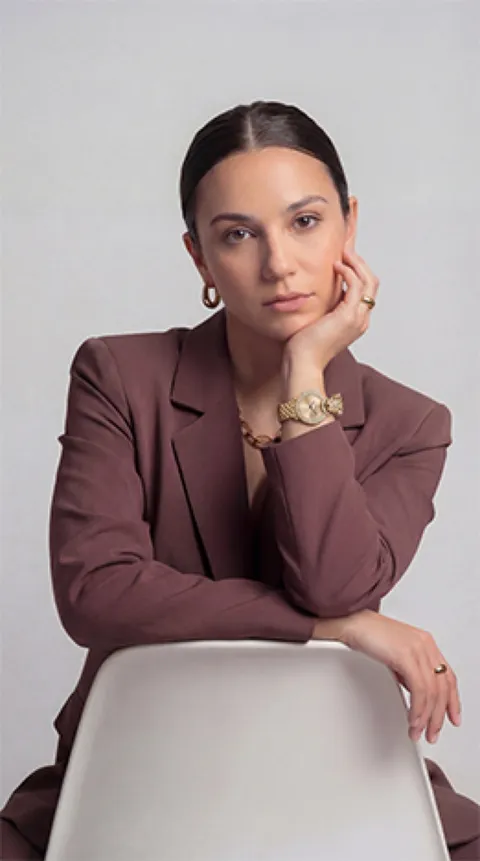
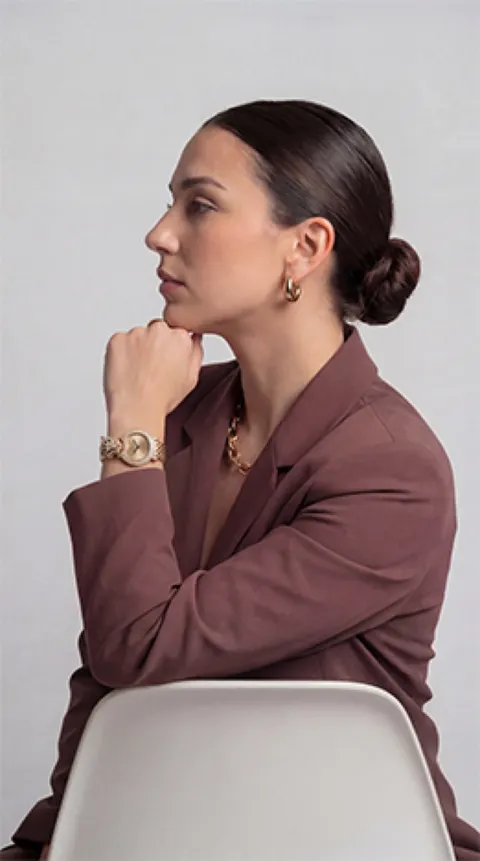
Bonus 05
Animar foto
Animate a photo. From one photo, or a start and an end frame, the motion prompt for Seedance 2.5 or Kling 4.0.
-
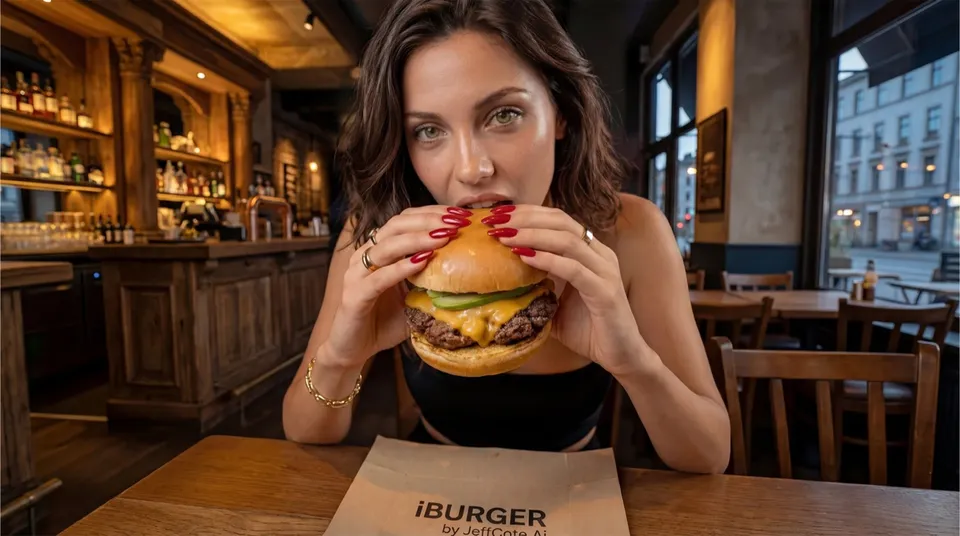
Bonus 06
Dirigir clip
Direct a clip. Turn your idea into a second-by-second shot script, like a film director.
All 6 bonuses are included.
SCENE 07 · The deal
All of this. One payment.
-
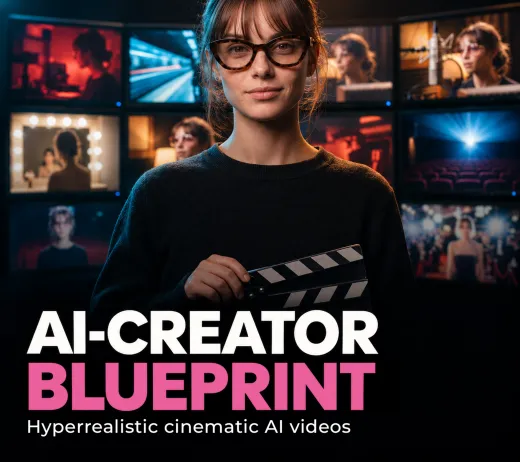
The Blueprint
Web guide + app
From idea to final video, step by step. You read it on the web and install it on your phone like an app, and every prompt copies with one tap.
-
Bonus
6 skills for Claude
My “JeffCote.Ai” connector writes the prompts for you.
-
When a new model comes out
Updates included
I test it, update the Blueprint and the new version lands in your hands. You never pay for an update.
-
Bonus
Character Factory 3D
Build your AI character with the exact body you need: pick female or male, adjust every measurement in 3D and download the reference sheet plus its prompt.
AI-Creator Blueprint · V3 · Admit one
Regular price: $50 70% OFF
Today: $15 USD
- One-time payment, no monthly fees
- Updates included
- All 6 bonuses
- Instant access
- 7-day money-back guarantee
SCENE 08 · Who

Hey, I’m Jeff.
I create content with AI, and I’ve spent hundreds of hours testing tools to keep only what works. The Blueprint is all of it: the same process, the same prompts and the same tools I use in everything I post.
SCENE 09 · Zero risk
Try it for 7 days. Not for you? Full refund. Done.
Dive in, read the Blueprint, try the prompts and use the bonuses. If it doesn’t work for you, request a full refund right on Hotmart within 7 days of purchase. No questions asked, and no need to message me.
And if you follow the steps and your character doesn’t keep the same face, I’ll help you personally.
FAQ. Before you ask.
SCENE 11 · Last call
One month from now, two endings.
- AYou’re still saving tutorials and burning credits, wondering why your stuff still looks fake.
- BYou’ve got your actor with the same face in every take, your product in their hand, and your first video that looks like it was actually filmed.
The month goes by either way. The difference: $15 and following the steps.
Secure payment with Hotmart · Instant access by email · 7-day money-back guarantee
P.S. Today’s best model won’t be the best a few weeks from now. The Blueprint will stay up to date, and you’ll already have it.
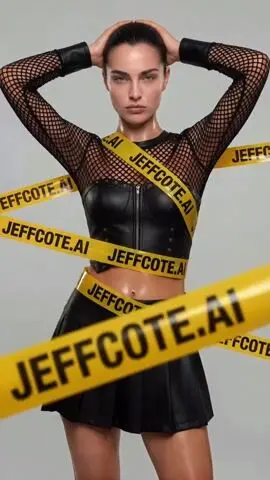
your product goes here